Back to Articles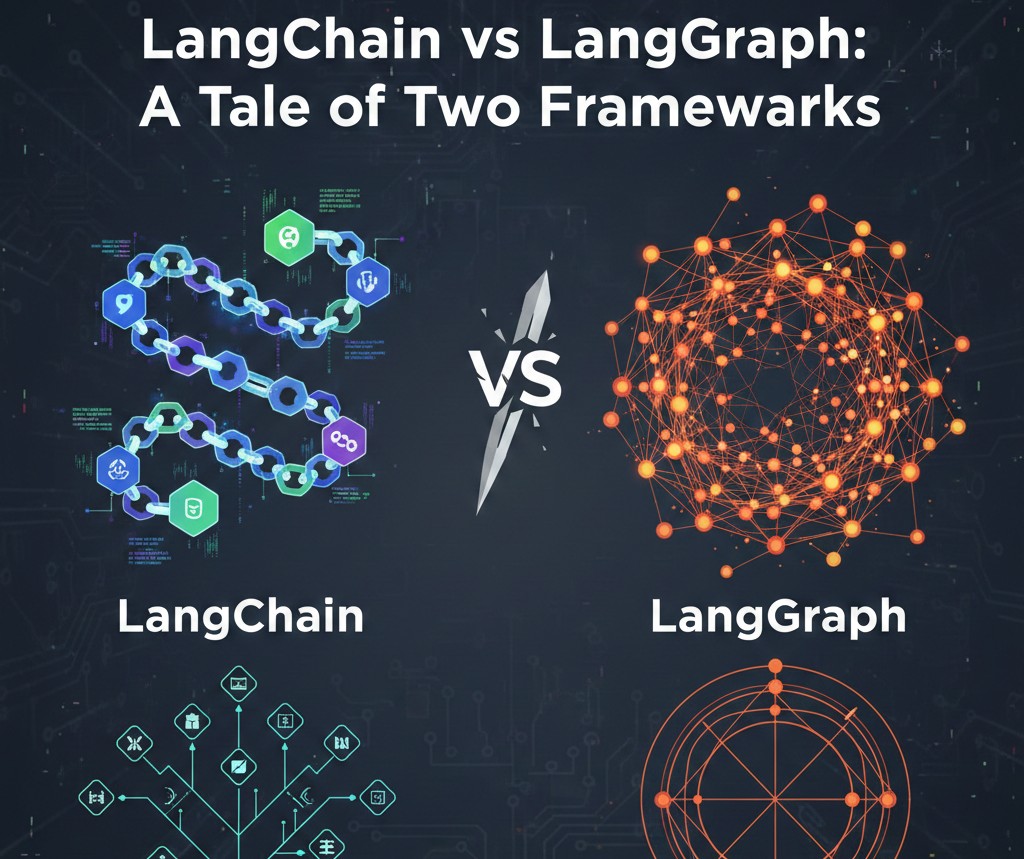
LangChain vs LangGraph: Building Smarter LLM Applications
Explore the differences between LangChain and LangGraph, two open-source frameworks for building applications with large language models, and understand which one fits your workflow.
H
Hirely
November 27, 2025•2.825 min read
LangChain vs LangGraph: Building Smarter LLM Applications
Large Language Models (LLMs) are reshaping how we build software, and frameworks like LangChain and LangGraph make it easier to harness their power. But what sets them apart, and when should you use one over the other? This article breaks down both frameworks, their architectures, and their ideal use cases. ---Understanding LangChain
LangChain is all about chaining operations for LLM-powered applications. Each step of your workflow executes in order, like building blocks.How LangChain Works
Imagine an app that needs to:- Retrieve data from a website
- Summarize that data
- Answer user questions based on the summary
- Retrieve: Use a document loader to fetch data. Large documents can be split with a text splitter.
- Summarize: A chain orchestrates summarization with prompt and LLM components.
- Answer: Another chain, combined with a memory component, generates context-aware answers.
Introducing LangGraph
LangGraph is designed for stateful, multi-agent systems. It's perfect for applications that require complex workflows and ongoing interactions.How LangGraph Works
Consider a task management assistant:- Process Input: Accepts user commands
- Add Task: Adds new tasks to the state
- Complete Task: Marks tasks as done
- Summarize Tasks: Generates an overview of tasks
- Nodes: Represent actions (add, complete, summarize)
- Edges: Define transitions between nodes
- State: Central to all nodes, maintaining context across interactions
LangChain vs LangGraph: Key Differences
Primary Focus
- LangChain: Designed for sequential LLM workflows, executing tasks in a defined order.
- LangGraph: Built for multi-agent systems and complex workflows, handling nonlinear interactions and stateful processes.
Structure
- LangChain: Uses a chain structure (Directed Acyclic Graph) - tasks flow in a set sequence.
- LangGraph: Uses a graph structure - supports loops, revisiting states, and dynamic routing between nodes.
Components
- LangChain: Includes Memory, Prompt, LLM, and Agent components.
- LangGraph: Includes Nodes, Edges, and State, forming the graph structure of the workflow.
State Management
- LangChain: Limited state management, primarily through memory components, which maintain some context across interactions.
- LangGraph: Robust state management; all nodes can access and modify state, enabling context-aware behaviors.
Use Cases
- LangChain: Ideal for sequential tasks, e.g., data retrieval ?� processing ?� output.
- LangGraph: Perfect for interactive systems requiring ongoing adaptation, e.g., virtual assistants or task managers handling multiple types of requests.
When to Use Each Framework
✅ LangChain
- Best for linear, predictable workflows
- Great for data retrieval, summarization, and output pipelines
- Can handle some nonlinear tasks with agents, but less flexible
✅ LangGraph
- Ideal for interactive systems
- Perfect for stateful, adaptive workflows
- Handles complex, multi-step user interactions
Final Thoughts
Both LangChain and LangGraph are powerful tools for building LLM-powered applications.- Use LangChain for structured, sequential workflows
- Use LangGraph for dynamic, context-aware systems
Found this useful?
Save it for later or share it with someone who might need it.
Discussion
Share your thoughts on this article.
Checking sign-in status...
Loading comments...