Back to Articles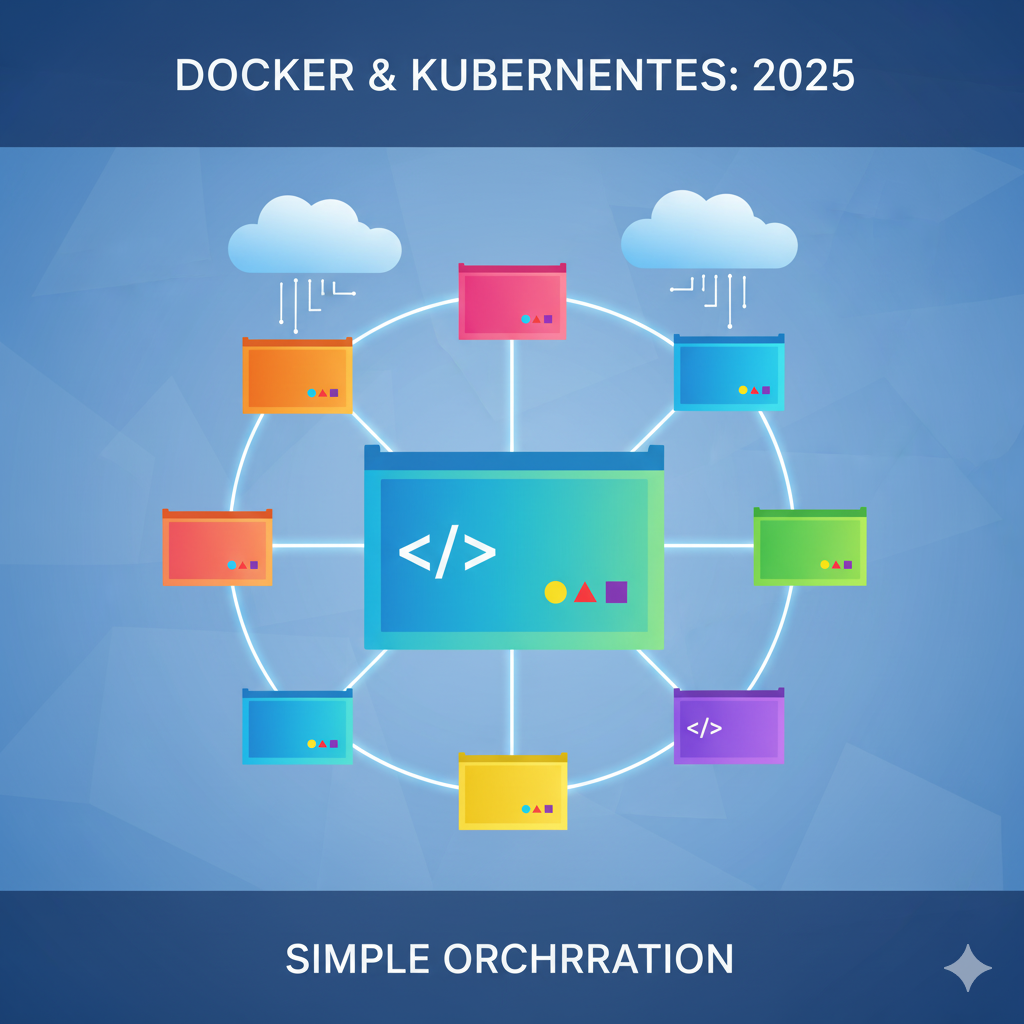
Docker & Kubernetes: The 2025 Guide for Modern Developers
A complete beginner-friendly guide to understanding Docker and Kubernetes, with practical insights and real-world examples.
H
Hirely
October 20, 2025•4.305 min read
Introduction
If you're a developer or someone interested in DevOps in 2025, you've probably heard the buzzwords Docker and Kubernetes more times than you can count. But what makes these technologies so critical today? And how do they actually make life easier for developers and businesses? Think of Docker as a magic lunchbox that keeps your meal exactly the way you like it, no matter where you go. And Kubernetes? It's like a team of highly organized chefs, making sure that every lunchbox gets delivered to the right table, on time, and perfectly balanced. This analogy might seem simple, but it perfectly illustrates how containerization and orchestration work together in modern software development. In this guide, we'll dive deep into both technologies, their differences, practical use cases, and why mastering them in 2025 is essential.Understanding Docker
Docker is a platform that allows you to package your application along with everything it needs to run-libraries, dependencies, and even system tools-into a single, portable unit called a container. Imagine you've built a beautiful website on your laptop. You send it to a colleague, and suddenly it crashes because "it works on my machine!" Docker solves this problem by making sure your application runs exactly the same everywhere.Why Docker Matters
- Portability: Your app can run on any machine that supports Docker-local machines, servers, or cloud environments.
- Consistency: No more "works on my machine" excuses.
- Isolation: Each application lives in its own container, reducing conflicts.
- Efficiency: Containers are lightweight and faster to start than traditional virtual machines.
Real-World Example
Large companies like Spotify and Netflix rely heavily on Docker to manage hundreds of microservices. Imagine deploying dozens of small services without Docker-chaotic, right? Containers make it manageable, predictable, and scalable.How Developers Use Docker
- Development Environments: Set up complex environments with a single command.
- Continuous Integration/Deployment (CI/CD): Automate testing and deployment pipelines.
- Microservices Architecture: Run multiple services independently without conflicts.
- Cloud Deployments: Move seamlessly between on-premises and cloud servers.
Enter Kubernetes: The Orchestrator
If Docker is the container, Kubernetes is the conductor of the orchestra. Managing hundreds or thousands of containers manually is impossible. Kubernetes automates deployment, scaling, and management of containerized applications. Think of it like this: you have dozens of delivery trucks (containers) carrying packages (applications). Kubernetes makes sure they follow the optimal route, deliver on time, and replace any truck that breaks down.Why Kubernetes Matters
- Automated Scaling: Adjust the number of containers automatically based on demand.
- Self-Healing: If a container fails, Kubernetes restarts it without downtime.
- Load Balancing & Service Discovery: Distributes traffic and ensures services can communicate efficiently.
- Declarative Management: You describe the desired state, and Kubernetes makes it reality.
Real-World Example
Major companies like Airbnb and Coca-Cola use Kubernetes to manage thousands of containers. When traffic spikes on a big sales day, Kubernetes automatically scales their services to handle the load, ensuring users never experience downtime.Docker vs Kubernetes
Many beginners get confused about Docker and Kubernetes. Here's a simple way to distinguish them:- Docker: Focused on packaging and running individual containers.
- Kubernetes: Focused on orchestrating multiple containers across multiple machines.
Best Practices for 2025
- Lightweight Images: Avoid unnecessary libraries to improve performance.
- Clear Dependencies: Specify every dependency explicitly.
- Monitoring & Logging: Use tools to track container health and performance.
- CI/CD Integration: Automate builds, tests, and deployments.
- Versioned Configurations: Keep Kubernetes manifests organized and versioned for easy rollbacks.
Common Pitfalls
- Overcomplicating Kubernetes setups for small projects.
- Using outdated Docker images that contain vulnerabilities.
- Not monitoring resources, which can lead to crashes under load.
- Ignoring security best practices, like proper network policies.
Looking Ahead: The Future of Containerization
By 2025, cloud-native architectures are the standard, and containers are at the heart of this transformation. Learning Docker and Kubernetes is no longer optional; it's essential for anyone serious about modern software development. New tools continue to emerge-serverless frameworks, GitOps pipelines, AI-powered deployment assistants-but understanding the fundamentals of containers and orchestration remains crucial.Conclusion
Docker and Kubernetes aren't just tools-they represent a new mindset in how software is built, deployed, and maintained. They empower developers to be more productive, allow businesses to scale efficiently, and create resilient, portable applications. Start experimenting with Docker today, play around with Kubernetes, and soon you'll see why these technologies are game-changers in 2025. Remember, learning them isn't about memorizing commands-it's about understanding the why and the how. Once you grasp the concepts, the rest becomes intuitive. --- Bonus Tip: Start small. Create a simple application, containerize it with Docker, and then deploy it using Kubernetes on your local machine. Experience is the best teacher, and hands-on practice will cement these concepts far better than any tutorial.Found this useful?
Save it for later or share it with someone who might need it.
Discussion
Share your thoughts on this article.
Checking sign-in status...
Loading comments...